01
Hear it in their words.
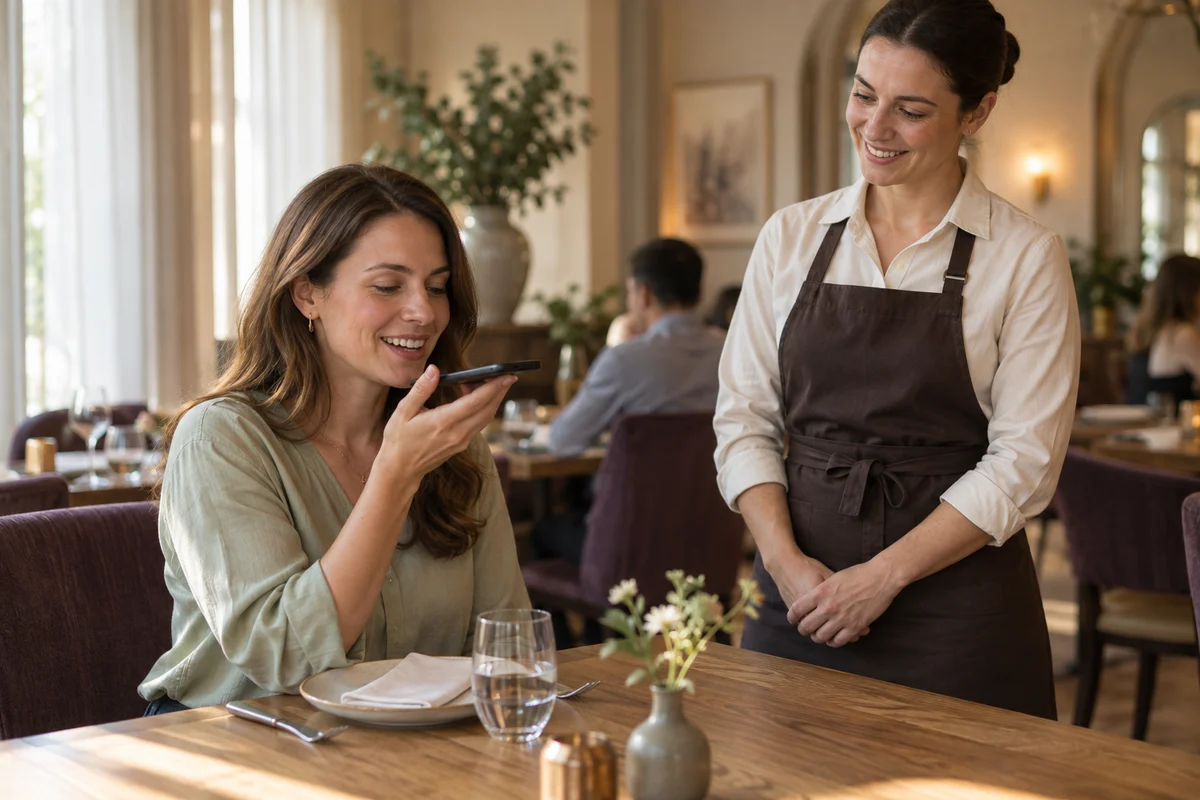
Place a QR code at the table. A guest scans it on their phone and explains the visit in their own words. No app download is required.
Guest recovery for restaurant teams
Guests scan a table QR code and share feedback by voice. Table Voice gives your team a transcript and flags concerns for review, so a manager can respond during the visit.
Make it right before your guest leaves.
For independent restaurants and growing restaurant groups
For owners and operators, from one location to 2–20.

The opportunity is still at the table
Cold food. A missed order. A long wait with no explanation. If you only hear about it after the visit, the opportunity to help in the moment has passed.
Give guests a way to speak up while they’re still with you, and your team a chance to put things right.
01 Hear what went wrong.
02 Get the concern to your team.
03 Act before the guest leaves.
See the response workflow ↘From feedback to a human response
From a table QR code to a manager’s follow-up, see how a guest concern reaches the team while there is still time to respond.
Place a QR code at the table. A guest scans it on their phone and explains the visit in their own words. No app download is required.
Table Voice prepares a transcript and identifies possible issues. The feedback enters your workspace; configured complaint handlers can receive a device notification when delivery is enabled.
A manager reviews the concern, speaks with the guest when possible, and records what happened. The team can acknowledge or escalate the issue, with its handling history kept together.
Notifications require setup and an enabled device. Delivery depends on processing, connectivity and device settings; your team’s response is what makes service recovery possible.
Help the guest who is here now
See what the guest experienced, where it happened and how your team is handling it. Keep the focus on a useful response.
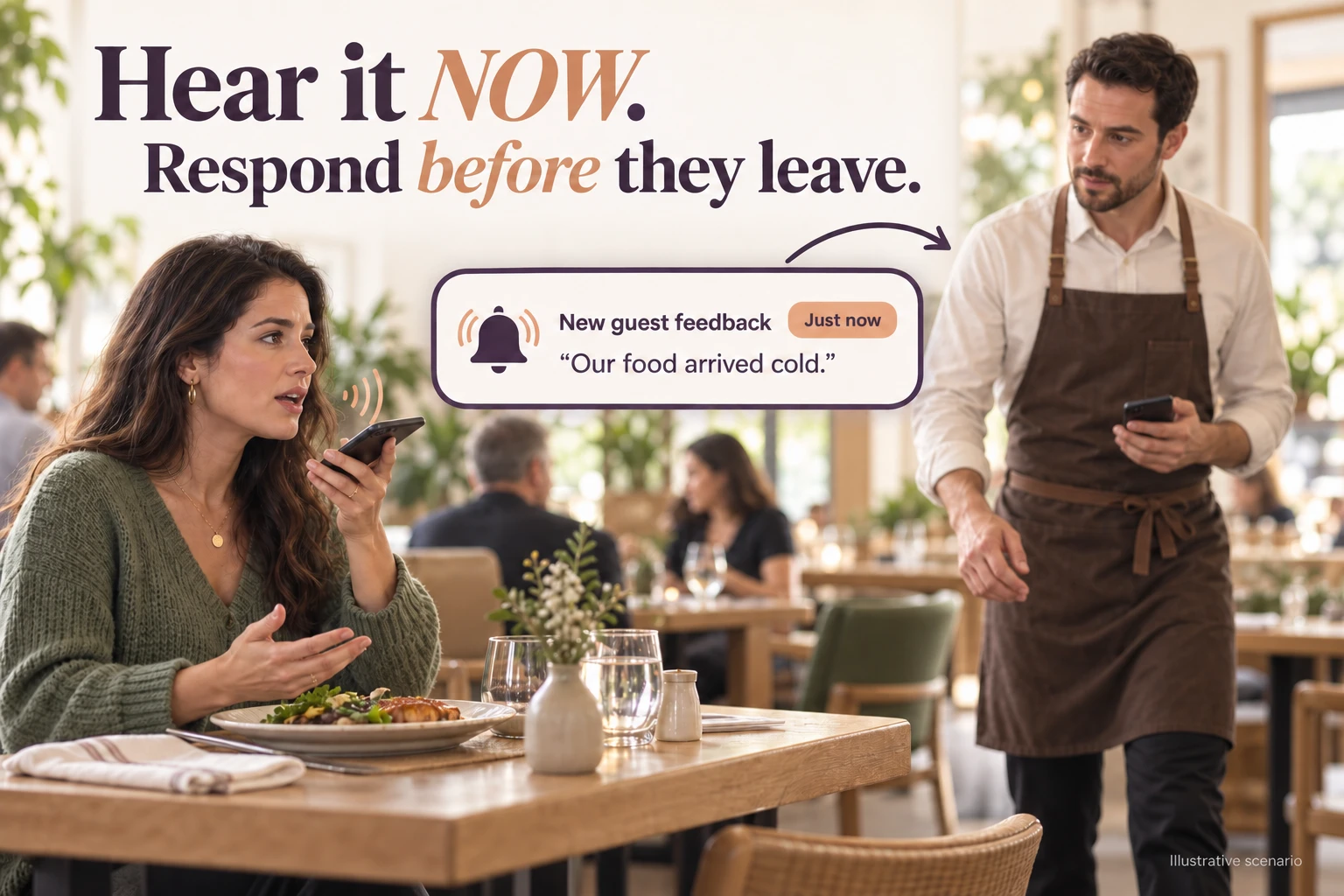
 Table VoiceThe dining room ⌄◉ Guest feedback◷ Handling history☷ Reports
“My food arrived cold. Could someone help?”
Example guest comment
Review feedback with its restaurant and table or area context.
Acknowledge the issue or escalate it within your configured team.
Record notes and resolution so the handling history stays together.
Built around restaurant service
For independent restaurants and small groups in the US and Canada, including full-service dining, fast-casual restaurants, cafés, pubs and bars.
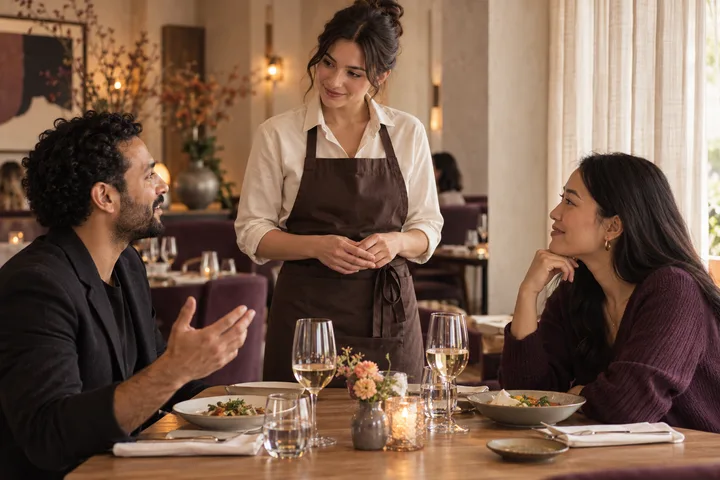
A cold dish in a restaurant. A missed order in a café. A long wait at a pub. Hear about the breakdown while your team has a chance to address it.
Use guest feedback to investigate recurring concerns about service, order accuracy or food consistency. Give managers a clearer starting point for the next service.
Act today. Learn for tomorrow.
Individual concerns help your team respond now. Transcripts, feedback categories and reports help operators see what keeps coming up—and decide what to investigate or improve.
Review transcripts alongside the restaurant context. Check AI-generated text and categories against what the guest actually said.
Review complaints, acknowledgment, escalation and resolution to understand the team’s follow-through.
Owner reports bring together feedback volume, guest ratings and complaint handling. Discuss the location-level reporting available for your group during the demo.
An operator’s starting point
The founder’s restaurant gave the first setting for this workflow. See the current product in a demo; measured outcomes will be shared only when they have been verified.
The early pilot and current commercial workspace are separate implementations. A demo will show the current workflow; we do not claim measured retention, revenue or review-score improvements.
Getting your team ready
Discuss your locations, guest interactions and who should act when a concern comes in.
Configure location access and team responsibilities, then check notifications on the devices your team will use.
Review how the team receives feedback, acknowledges it and records follow-up before introducing the workflow into service.
Questions before the first conversation
The demo is a chance to walk through your service flow, devices and locations with us.
A guest scans a QR code at the table and opens the feedback page in their phone browser. No app download is required. The restaurant can also use staff-led feedback during service.
Collect feedback during the visit so your team has an opportunity to act on a concern while the guest is still there. Complaint notifications and the handling workspace support that response. Staff decide what to do and carry it out.
Feedback appears in the restaurant workspace. Eligible complaint handlers can receive browser or device push alerts after their access and devices are configured. Delivery depends on processing, permissions and connectivity; there is no guaranteed instant-delivery time. We verify the recipient and phone setup with your team.
It can complement them. Voice feedback gives guests room to explain an issue, while the team can respond during the visit. Some guests prefer a short rating or a direct conversation with staff; participation remains their choice.
Yes—the core workflow is relevant to one restaurant as well as a growing group. We’ll discuss the location setup and reporting appropriate for your operation.
The guest scores in owner reports are based on ratings guests explicitly provide. AI analysis helps categorize feedback and identify complaint patterns; it does not create or change those guest ratings.
POS integration is not part of the standard feedback workflow. Complaint alerts use browser or device push after device verification during setup. We confirm it works at your location before staff rely on it. Additional messaging channels need separate configuration and verification.
Tell us the languages your guests use. We will confirm the supported and enabled languages for your location during setup and test them before service use.
Feedback is restricted to restaurant experience. Irrelevant material should not become a guest rating or complaint automatically. Restaurant staff can review reports and decide what action is appropriate.
Reports and exports depend on your plan and access role. We can show the available exports and the data included during a demo.
Setup depends on your locations, staff access, table QR codes and notification devices. We agree the steps with you and verify the workflow before putting it into service; we do not promise a fixed setup time.
See our privacy notice for information about recording permissions, processing, access, retention and deletion requests.
We’ll show the current feedback and response workflow and discuss your locations, setup and support needs. See our pricing page for current plans and trial terms.
The people behind Table Voice
Table Voice is a unit of Eisberg, based in Bengaluru. Our focus is practical: help restaurant teams hear a concern in time to respond, and help owners learn from what guests tell them.
Making it right can restore confidence and give a guest a reason to return. That opportunity is why we’re building Table Voice.
Say hello ↗See the response workflow
See how Table Voice helps your team hear a concern, respond during the visit and keep track of the follow-up.
Book a demo Opens your email app. Send your details and we’ll arrange a time.